
Travel eSIM for 175 destinations.
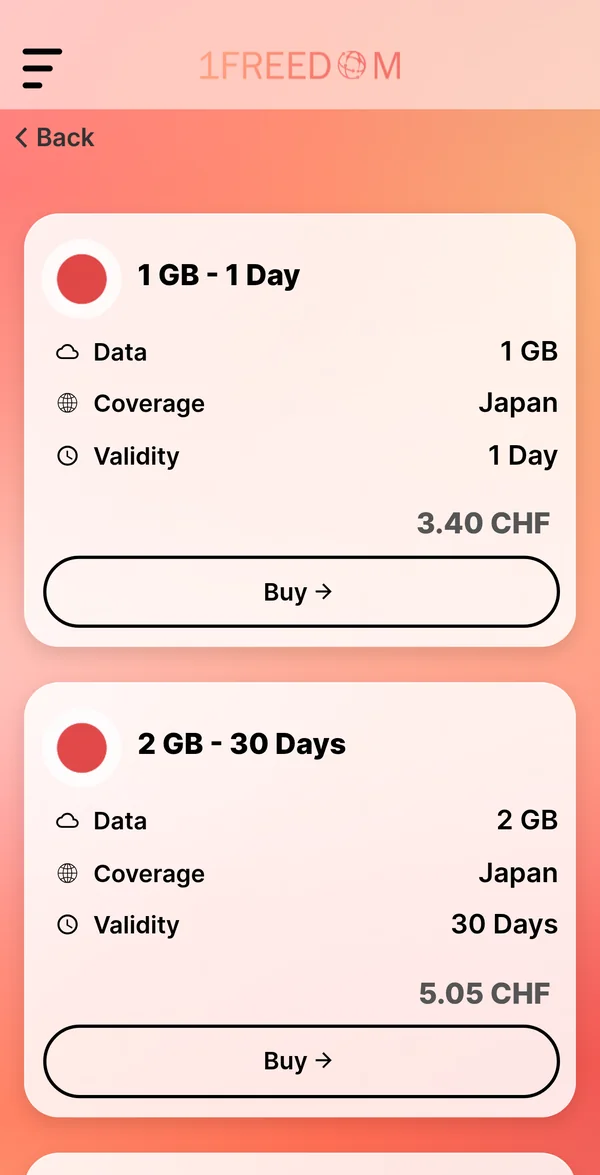
Install it before you leave and your data works the moment you land. Your own number stays on your SIM. Japan, 5 GB for 30 days: CHF 7.44.
Or go straight to Japan, United States, Italy or Thailand.

- Network by 1GLOBAL
- Price per GB on every plan
- No contract
- From CHF 1.84 in Australia
- On Google Play
Prices for 175 destinations.
What the app charges for the smallest plan, and what a gigabyte costs on the best-value one.
Prices as charged in the app, 17 November 2026
 Japanfrom CHF 2.84best price per gigabyte CHF 1.14 per GB
 United Statesfrom CHF 2.84best price per gigabyte CHF 1.16 per GB
 Italyfrom CHF 2.30best price per gigabyte CHF 0.92 per GB
 Thailandfrom CHF 2.30best price per gigabyte CHF 1.61 per GB
 Turkeyfrom CHF 2.30best price per gigabyte CHF 1.61 per GB
 Spainfrom CHF 2.30best price per gigabyte CHF 0.92 per GB
 Francefrom CHF 2.30best price per gigabyte CHF 0.92 per GB
 United Kingdomfrom CHF 2.30best price per gigabyte CHF 1.61 per GB
 South Koreafrom CHF 3.68best price per gigabyte CHF 2.30 per GB
 United Arab Emiratesfrom CHF 3.68best price per gigabyte CHF 2.58 per GB
 Mexicofrom CHF 5.52best price per gigabyte CHF 3.96 per GB
 Vietnamfrom CHF 2.30best price per gigabyte CHF 1.61 per GB
One plan for a whole region.
Crossing borders on one trip? A regional plan covers every country in it, and the global plan covers the lot.


Online in three steps.
About two minutes at home, nothing to do at the airport. No contract and no SIM card to swap.
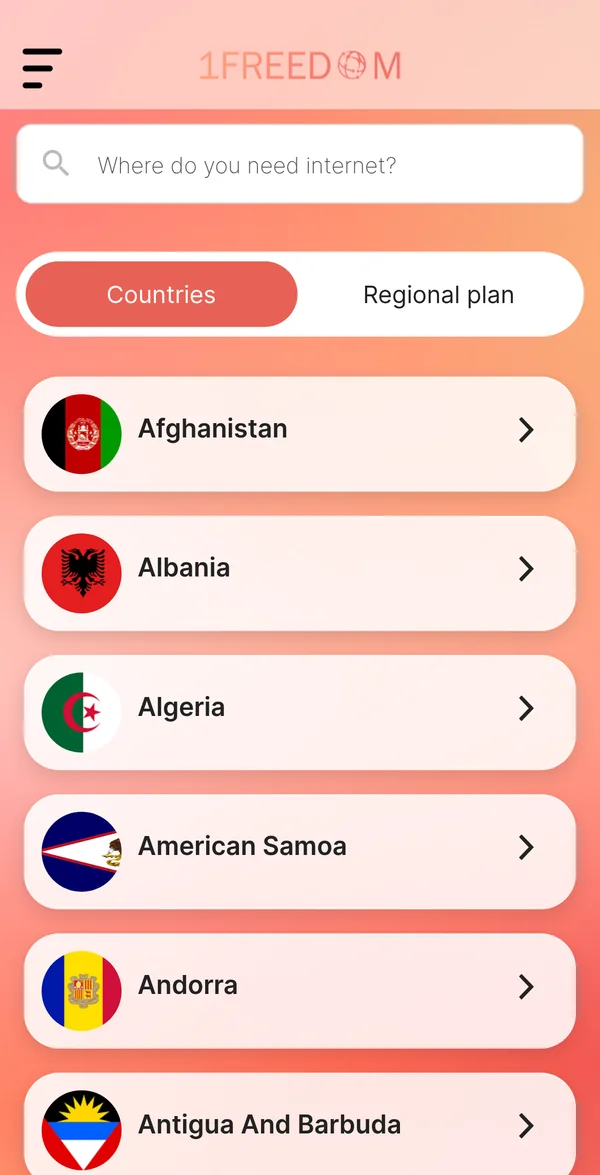
Find your destination
Search the country, or pick a regional plan if you cross borders.
Pick a plan and pay
Choose the gigabytes and the days. You pay in the app, nothing renews.
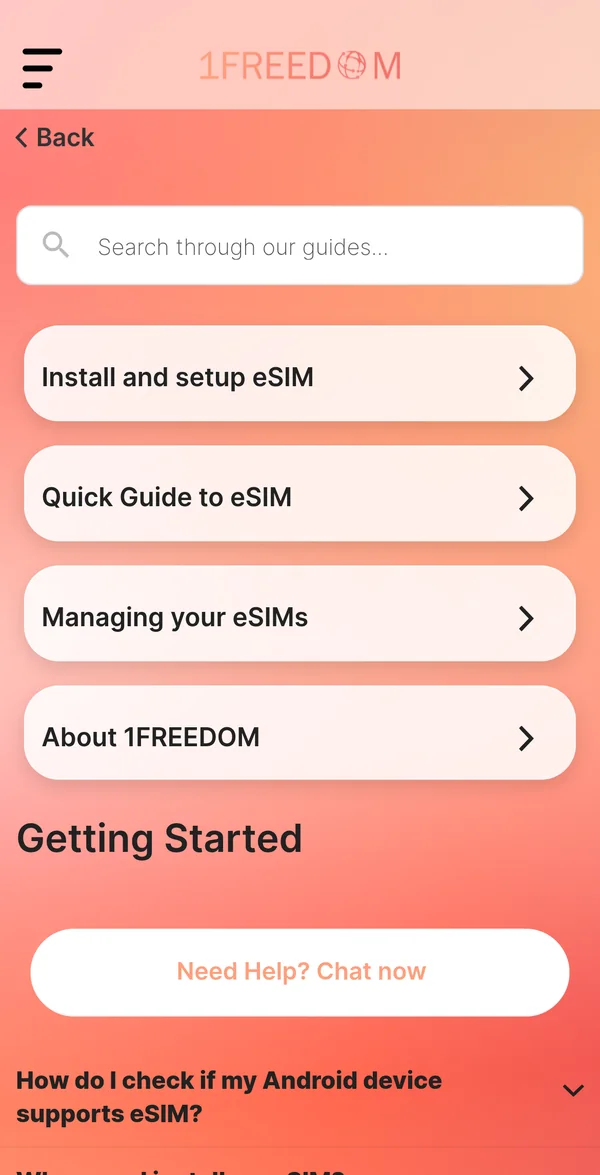
Install it with the guide
Add the eSIM at home on Wi-Fi, then switch it on when you land.
- 2 GBCHF 2.11
- 3 GBCHF 1.87
- 5 GBCHF 1.49
- 10 GBCHF 1.20
- 20 GBCHF 1.16
- 50 GBCHF 1.14
What every plan includes.
Next to every plan, so value is plain to see.
Your home SIM stays in for calls and texts.
The network behind telecom operators worldwide.
Chat with 1AI at any hour, or ask for a person.
No calls or texts. WhatsApp and FaceTime work over the data.
Prepaid. You buy the next plan when you want it.
Questions travellers ask.
Short answers. The guides in the app go step by step.
Does my phone support eSIM?
Dial *#06#. If you see an EID number, it does. iPhone XS and newer, Pixel 3 and newer and Galaxy S20 and newer all work. The phone must be unlocked.
When should I install it?
At home, the day before you leave, while you are on Wi-Fi. Then switch it on for data when you land.
Will my WhatsApp number still work?
Yes. WhatsApp, iMessage and FaceTime stay linked to your own number. Your home SIM stays in the phone; the 1Freedom eSIM only carries the data.
How much data do I need?
Maps, messages and social media use about 1 GB a week. Video calls and streaming use 1 GB a day or more.
When does the validity start?
Each plan's details in the app show its validity and when the days start counting.
Can I top up?
Yes. Buy another plan for the same destination in the app; it is added to the same eSIM.
What if it does not work?
Write to support in the app. The 1AI assistant answers at any hour and hands you to a person when it cannot help.
Still stuck? Chat with support in the app.
Get the 1Freedom app.
- Pick your destination and plan and pay in the app
- Install the eSIM with the guide in the app, about two minutes
- Switch it on when you land

Coming soon to the App Store. The iPhone app is on its way.
On a phone already? Open the download page.
Get the 1Freedom app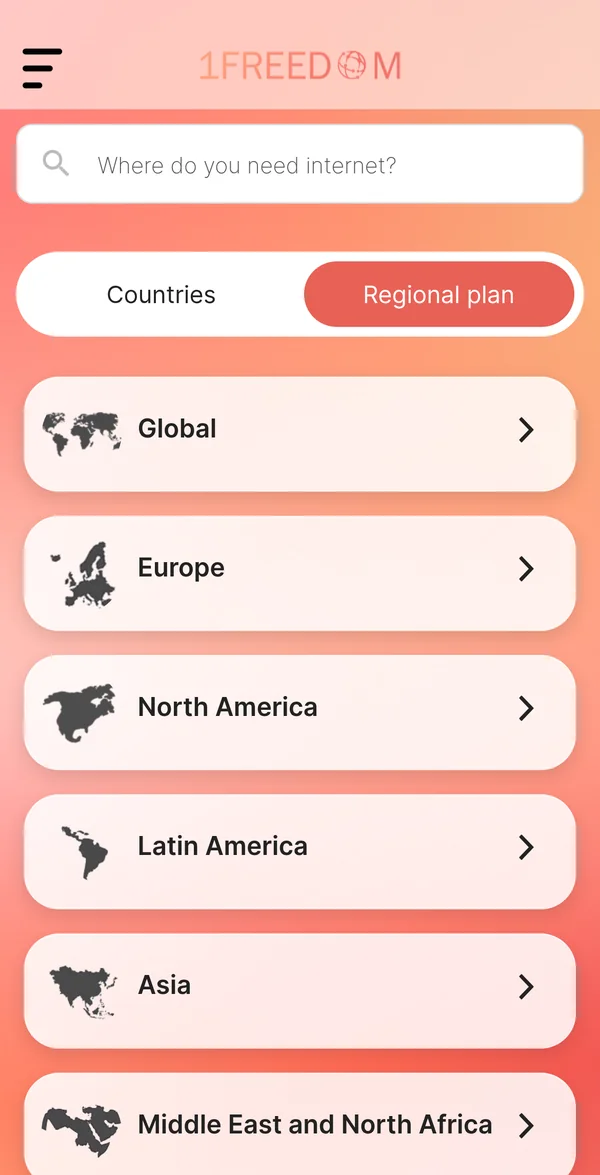
 Scan with your phone's camera
It opens the download for your phone